Redesigning Demographic Review for an Easier Check In
Company
Epic Systems
Epic Systems
Headquarters
Verona, WI, USA
My role
User Research, Design Strategy, UX Testing
User Research, Design Strategy, UX Testing
Timeline
6 months

To prepare for a medical visit, patients may review their information in MyChart eCheck-In or
at a Welcome kiosk:
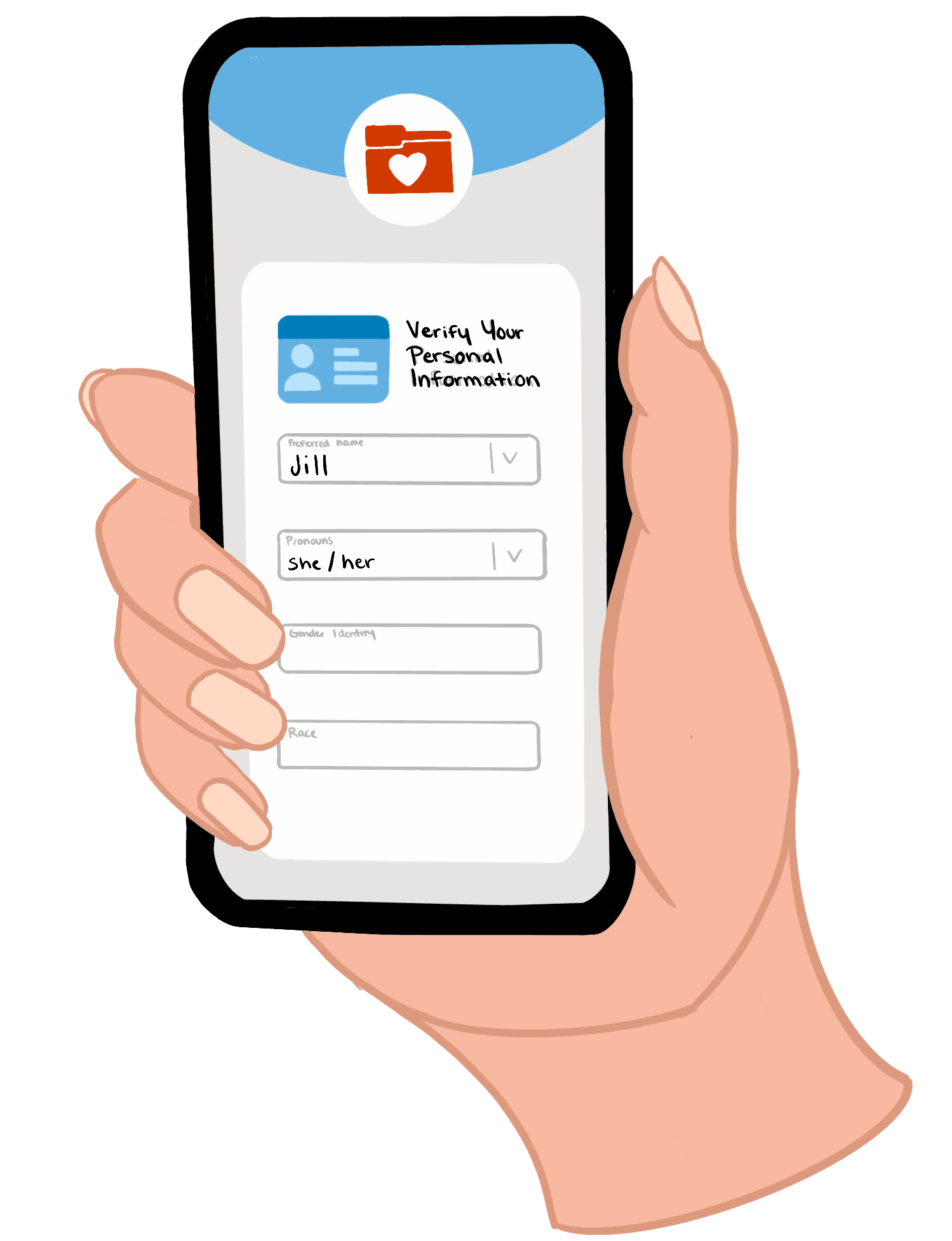
Using eCheck-In before a doctor's appointment, patients can complete registration tasks from their personal device, saving time on the day of their visit.
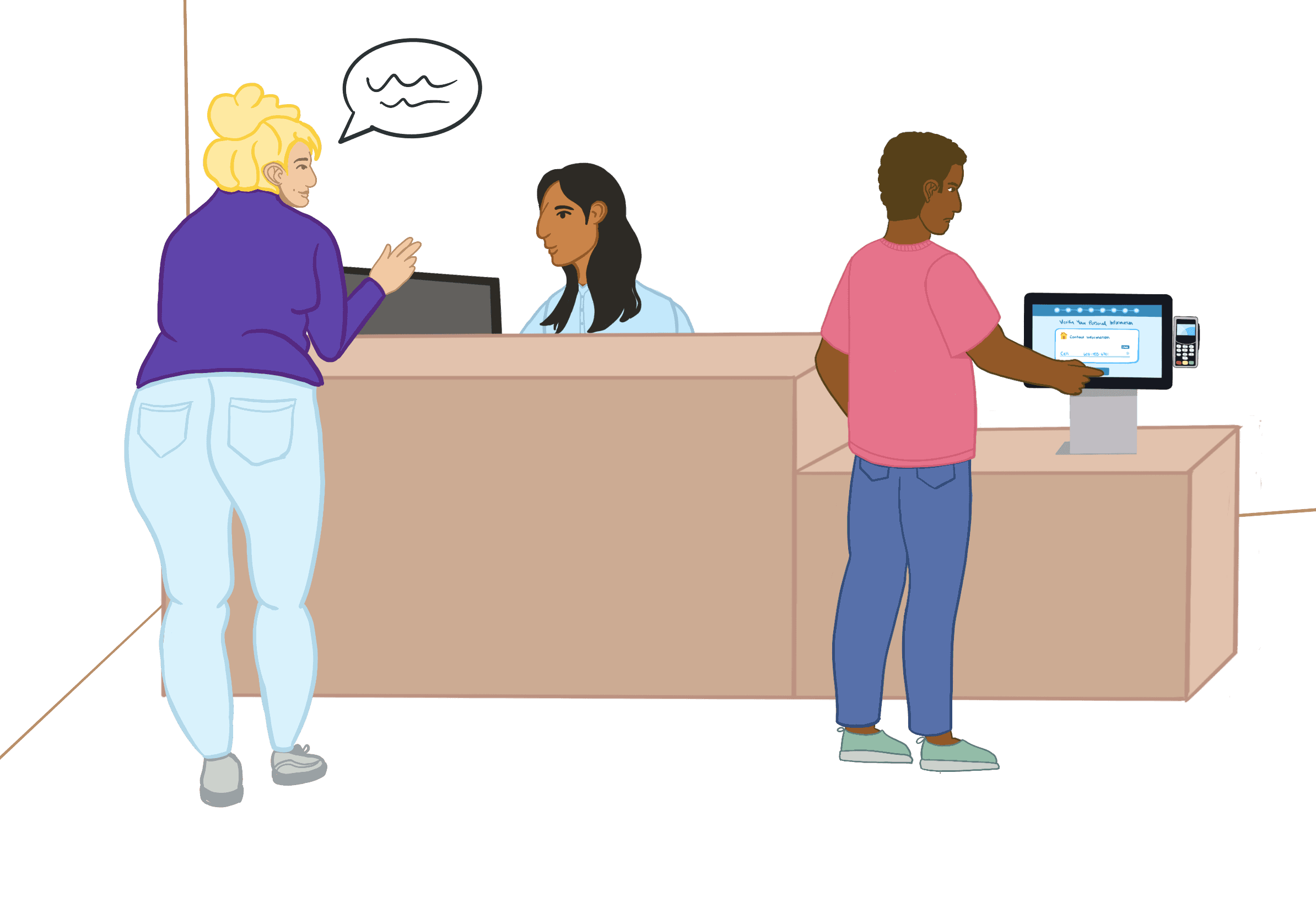
Welcome kiosks can be found in a hospital or clinic lobby. Patients may check in for their appointment at the kiosk, rather than visiting the front desk.
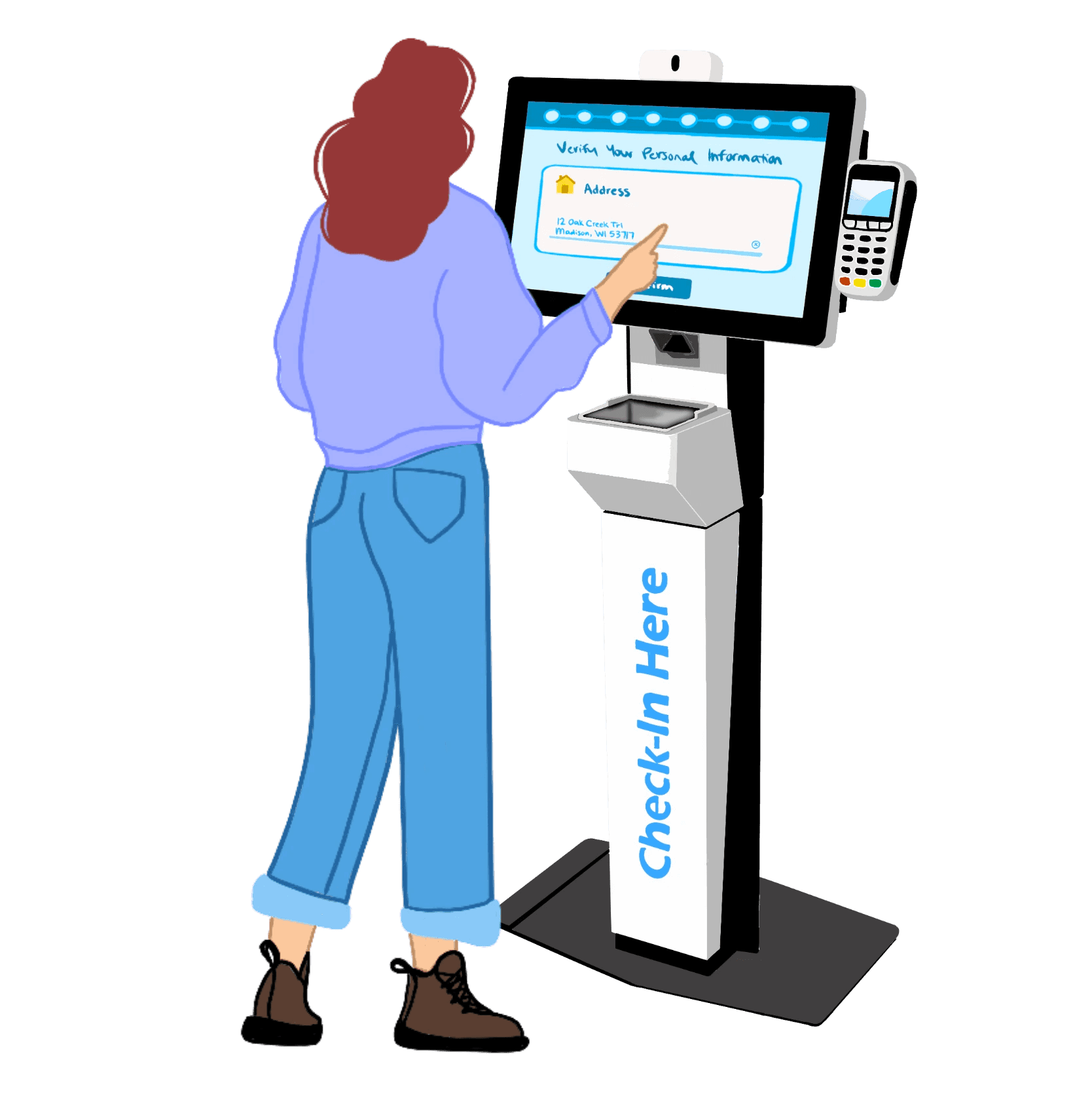
Welcome kiosks can be found in a hospital or clinic lobby. Patients may check in for their appointment at the kiosk, rather than visiting the front desk.
Using eCheck-In before a doctor's appointment, patients can complete registration tasks from their personal device, saving time on the day of their visit.
To prepare for a medical visit, patients may review their information in MyChart eCheck-In or
at a Welcome kiosk:
Using eCheck-In before a doctor's appointment, patients can complete registration tasks from their personal device, saving time on the day of their visit.
Welcome kiosks can be found in a hospital or clinic lobby. Patients may check in for their appointment at the kiosk, rather than visiting the front desk.
Welcome kiosks can be found in a hospital or clinic lobby. Patients may check in for their appointment at the kiosk, rather than visiting the front desk.
Using eCheck-In before a doctor's appointment, patients can complete registration tasks from their personal device, saving time on the day of their visit.


Most patients are asked to review their demographic information during check in. This includes personal information like a patient's address, contact information, language(s) spoken, and so on.
To make the check-in process easier and faster for patients, registrars, and healthcare organizations alike, we redesigned demographics review:
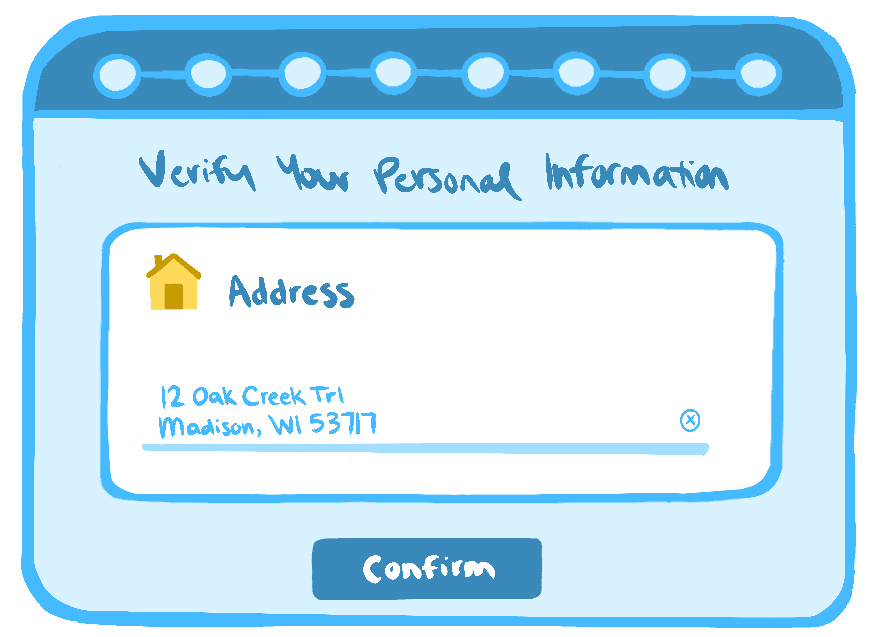
Patients only review the information that needs verification. Fields that are already up-to-date are hidden from view.
Patients only review the information that needs verification. Fields that are already up-to-date are hidden from view.
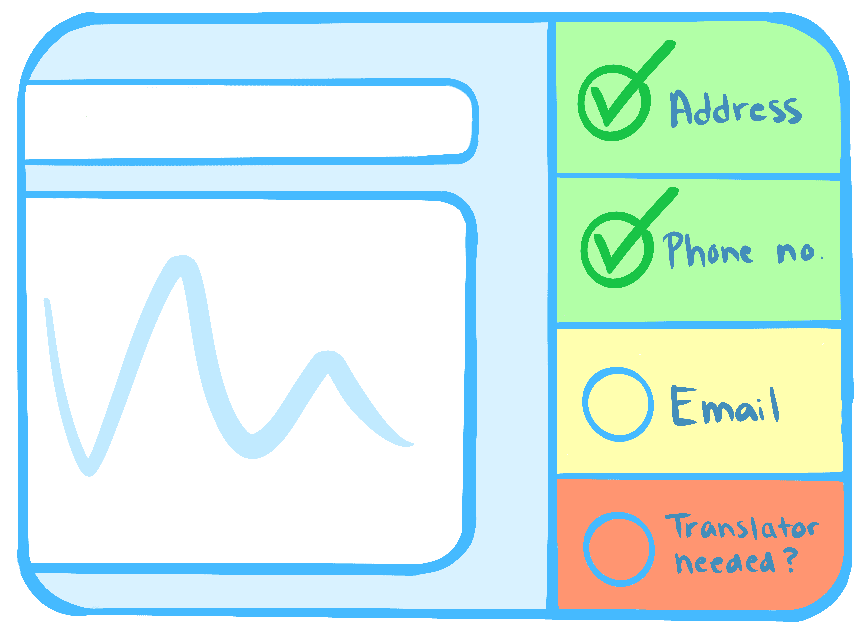
Registrars at the front desk ask fewer questions. They can see exactly which items need verification and ask only for that information from patients.
Registrars at the front desk ask fewer questions. They can see exactly which items need verification and ask only for that information from patients.
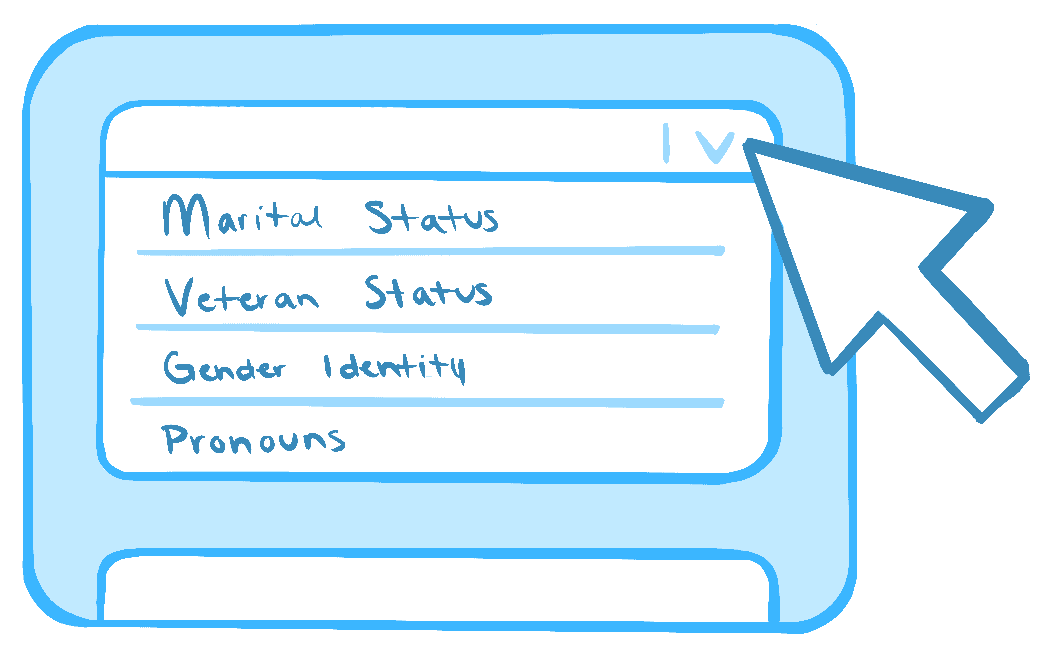
We standardly released more features so that healthcare organizations have to customize their build less, resulting in easier set-up and maintenance.
We standardly released more features so that healthcare organizations have to customize their build less, resulting in easier set-up and maintenance.
The goal: reduce friction and maximize ease for all of our users.
The goal:
Reduce friction
and maximize ease
for all of our users.

The Result:
Healthcare organizations rollout changes more quickly
&
Patients are asked fewer questions and checked in faster
Healthcare organizations rollout changes more quickly
&
Patients are asked fewer questions and checked in faster
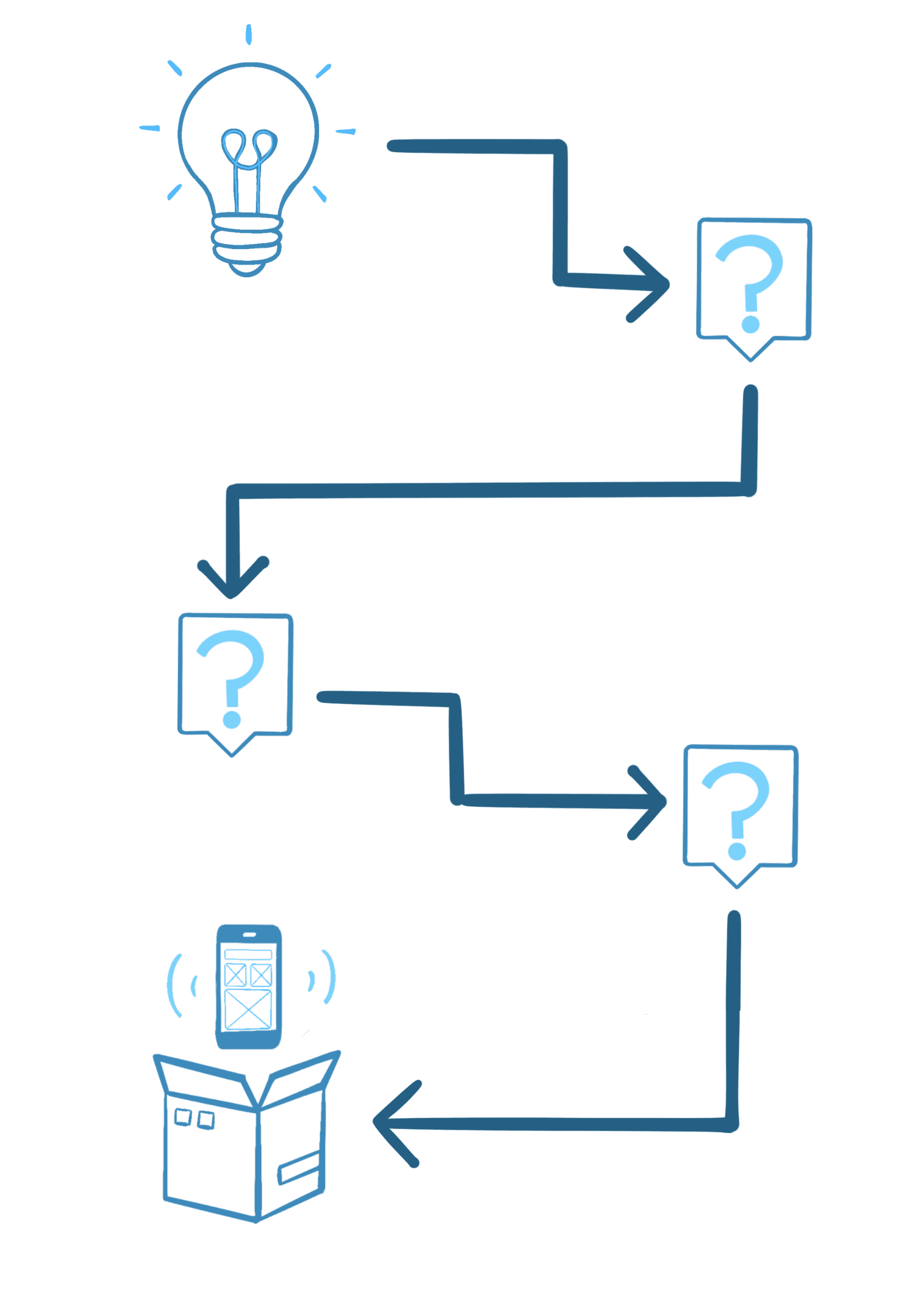
Getting from idea to product wasn't a straight line. We had to identify and answer a lot of questions:
Getting from idea to product wasn't a straight line.
We had to identify and answer a lot of questions:
Q.
How should we group and order the demographic items?
How should we group and order the demographic items?
A.
A.
I ran a card sort study to decide on an order of items that feels logical to patients and is easy to scan.
I ran a card sort study to decide on an order of items that feels logical to patients and is easy to scan.
Q.
For sensitivity reasons, some healthcare organizations don't want their registrars asking sex, gender and names questions to patients. How do we allow these organizations to ask these questions in MyChart and Welcome, but not at the front desk?
For sensitivity reasons, some healthcare organizations don't want their registrars asking sex, gender and names questions to patients. How do we allow these organizations to ask these questions in MyChart and Welcome, but not at the front desk?
A.
A.
We allowed flexibility in how healthcare organizations could collect sex, gender and names information. Unlike other demographic questions, these questions could be collected in some places but not others. The unique setup instructions were then documented for all organizations to reference if needed.
We allowed flexibility in how healthcare organizations could collect sex, gender and names information. Unlike other demographic questions, these questions could be collected in some places but not others. The unique setup instructions were then documented for all organizations to reference if needed.
Q.
We want to standardly release more demographic items so they can be more easily collected from patients, no custom build required. Which items do we choose to release?
We want to standardly release more demographic items so they can be more easily collected from patients, no custom build required. Which items do we choose to release?
A.
A.
We ran a report to see which custom items healthcare organizations were most commonly collecting. The most popular items were included in our release.
We ran a report to see which custom items healthcare organizations were most commonly collecting. The most popular items were included in our release.
Q.
What is our rollout and documentation strategy? How do we make this as easy as possible for our customers to implement?
What is our rollout and documentation strategy? How do we make this as easy as possible for our customers to implement?
A.
A.
Our project's new features did not turn on by default — some prerequisite tasks must be completed before turning it on. I documented these prerequisites, as well as the new product features and setup instructions, with both clarity and conciseness.
Our project's new features did not turn on by default — some prerequisite tasks must be completed before turning it on. I documented these prerequisites, as well as the new product features and setup instructions, with both clarity and conciseness.
With our questions answered, we were able to design and deliver the final product:
With our questions answered, we were able to design and deliver the final product:
Welcome kiosks:
Welcome kiosks:
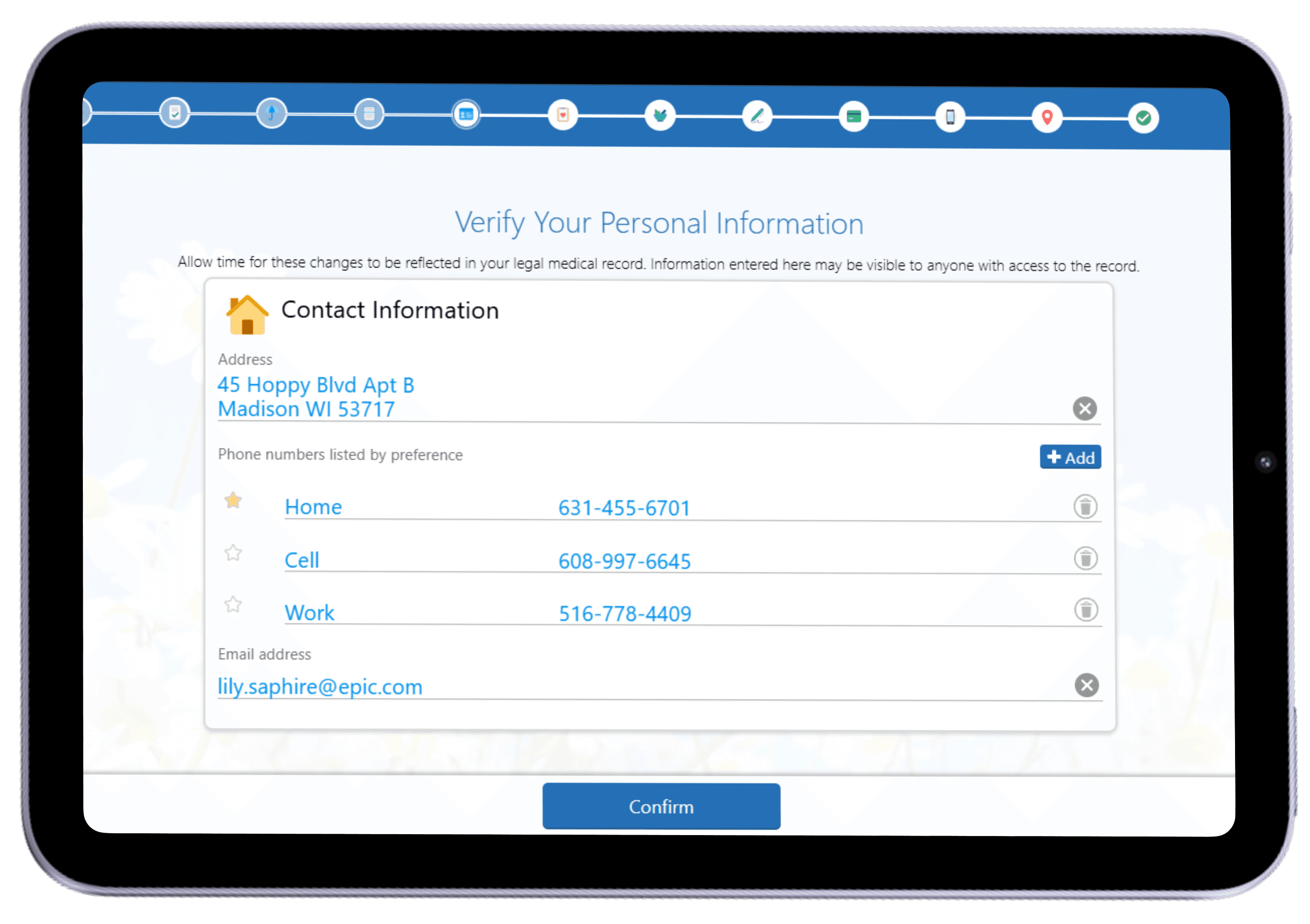
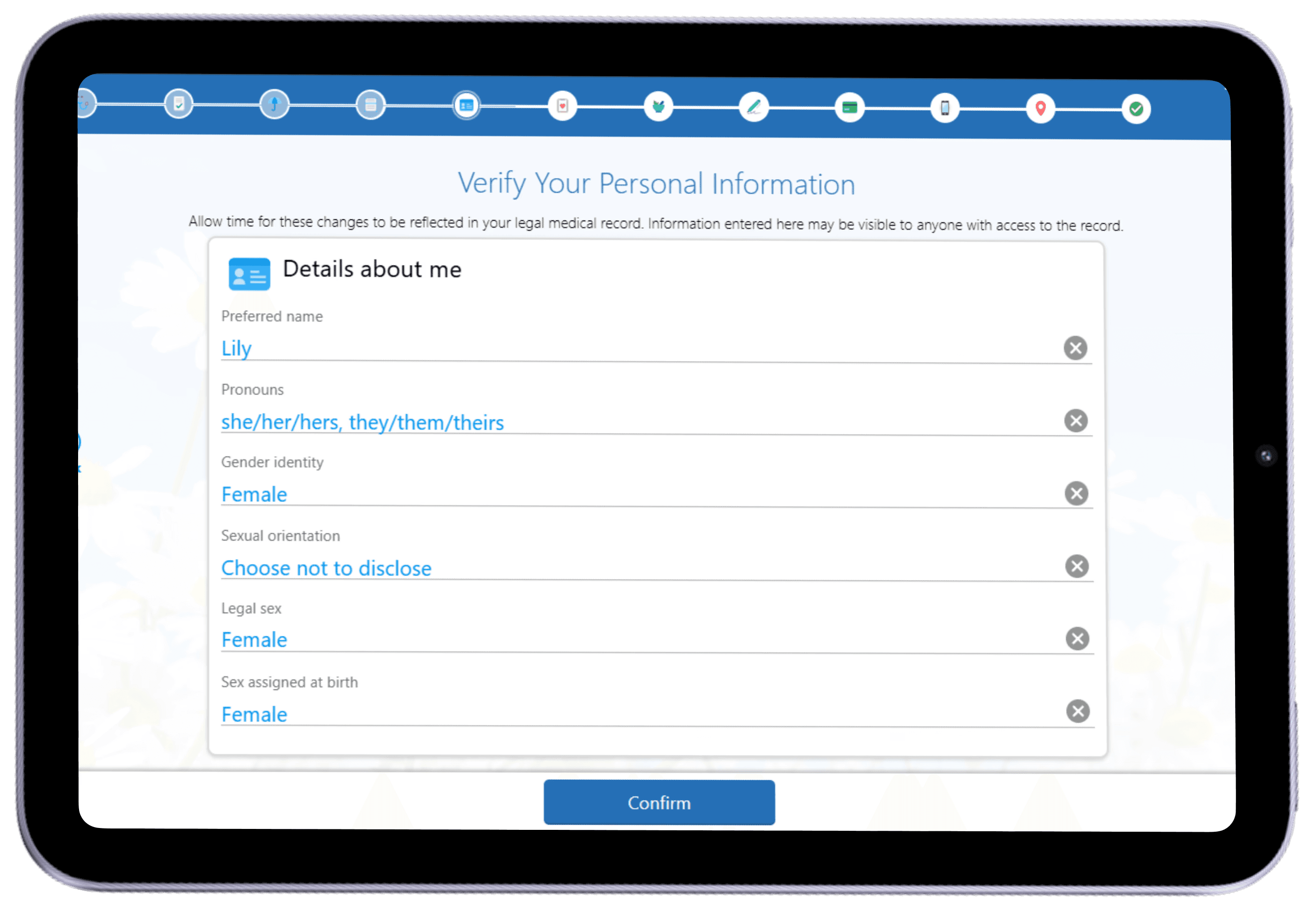
To prevent scrolling on the kiosks, demographic questions are split into distinct sections that appear on their own page. The kiosk above is configured to collect address and contact information on one page, and sex and gender information on another page.
MyChart:
MyChart:
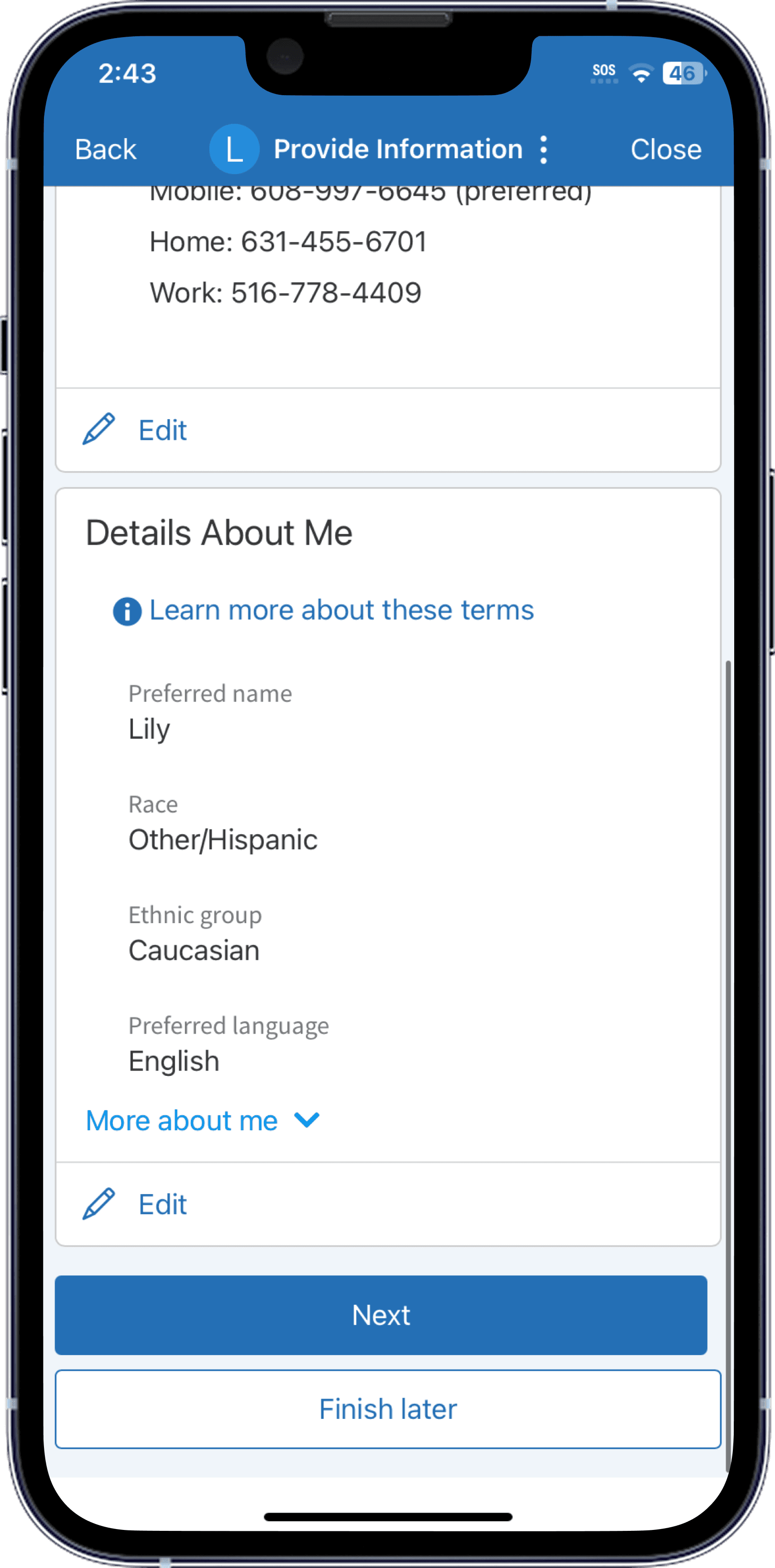
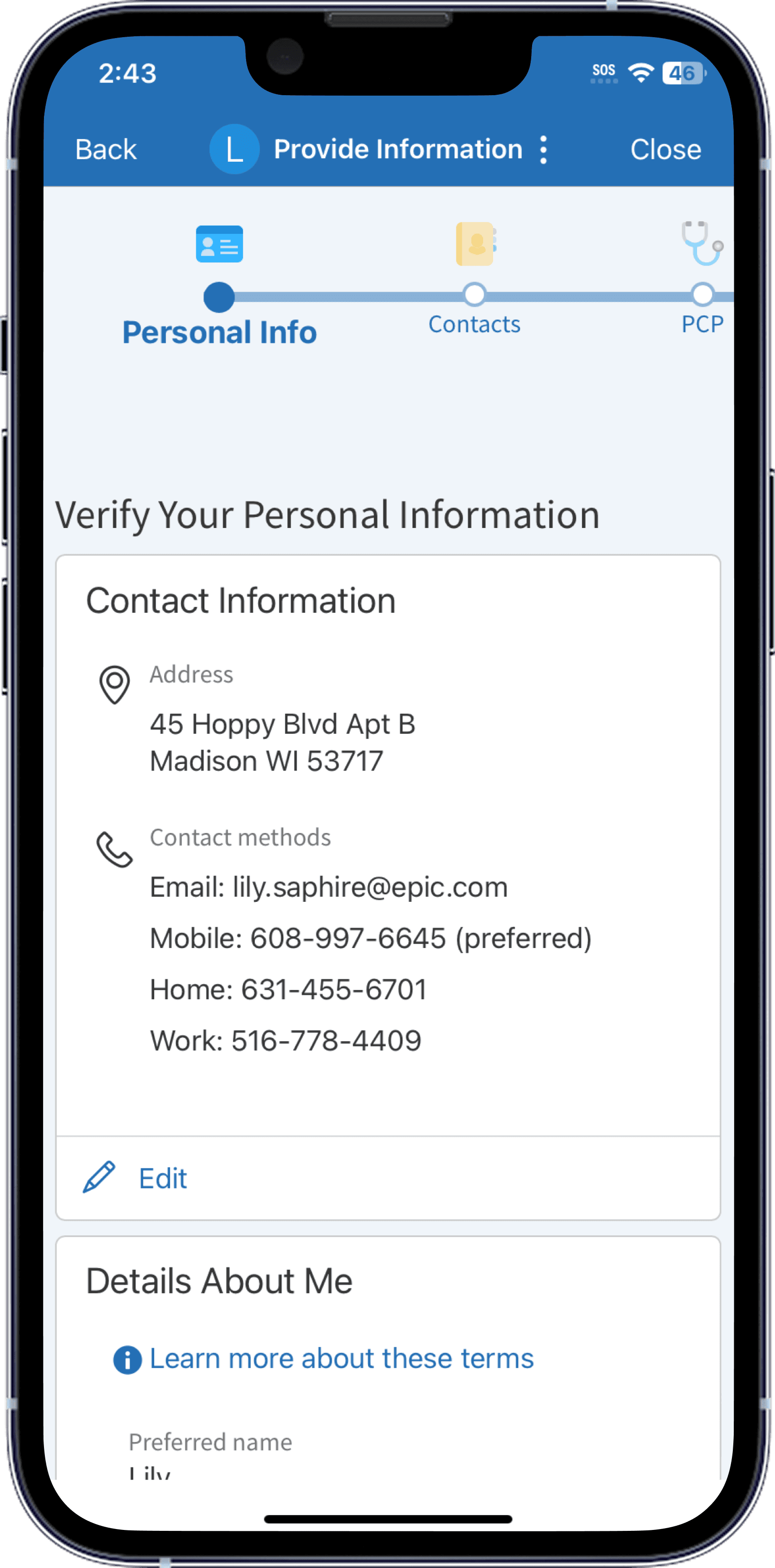
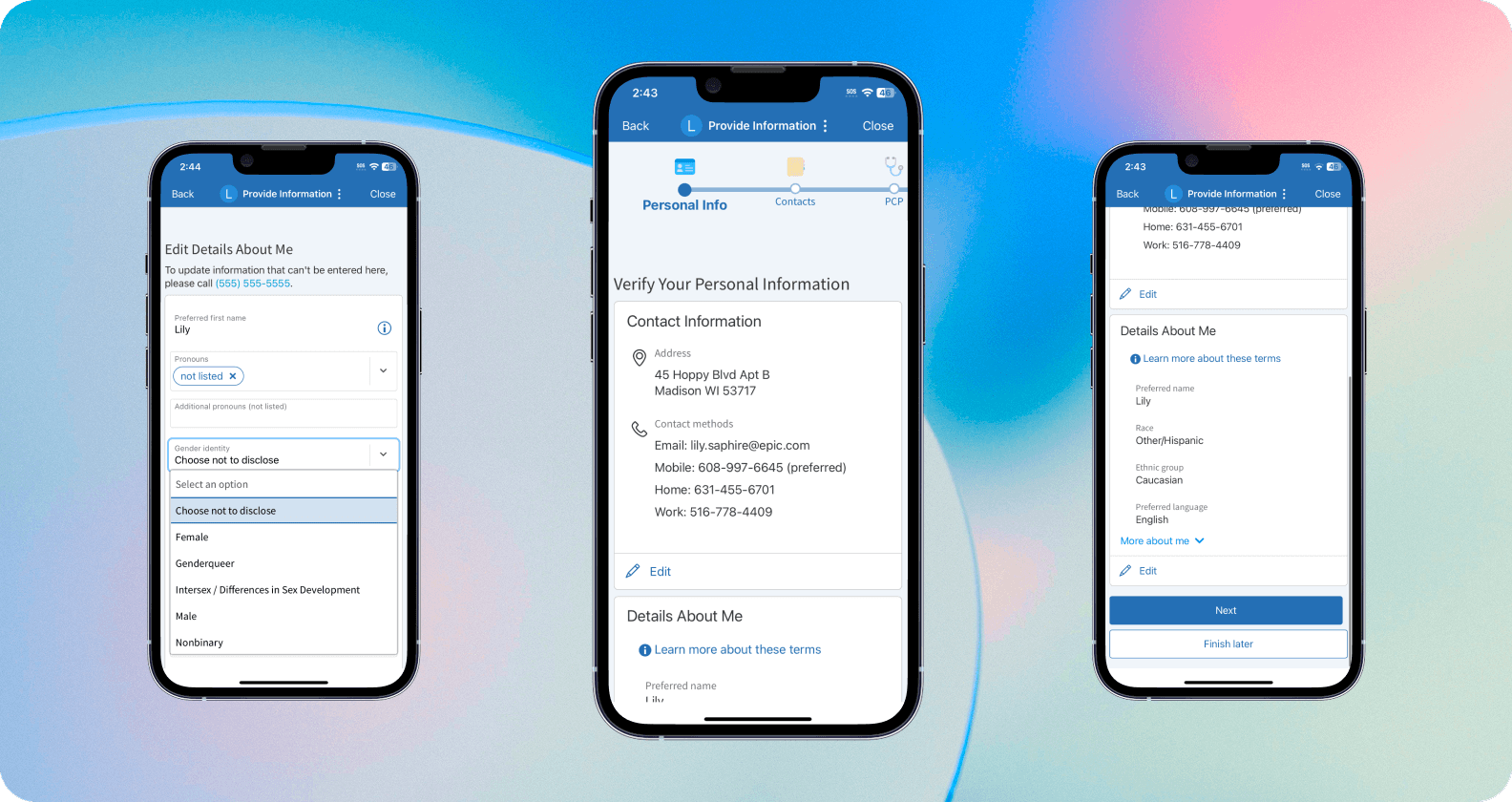
Patients can review all of their information on this page. If all of the information is up-to-date, they can simply click "Next" and move onto the next step in eCheck-In.
Patients can review all of their information on the page above. If all of the information is up-to-date, they can simply click "Next" and move onto the next step in eCheck-In.
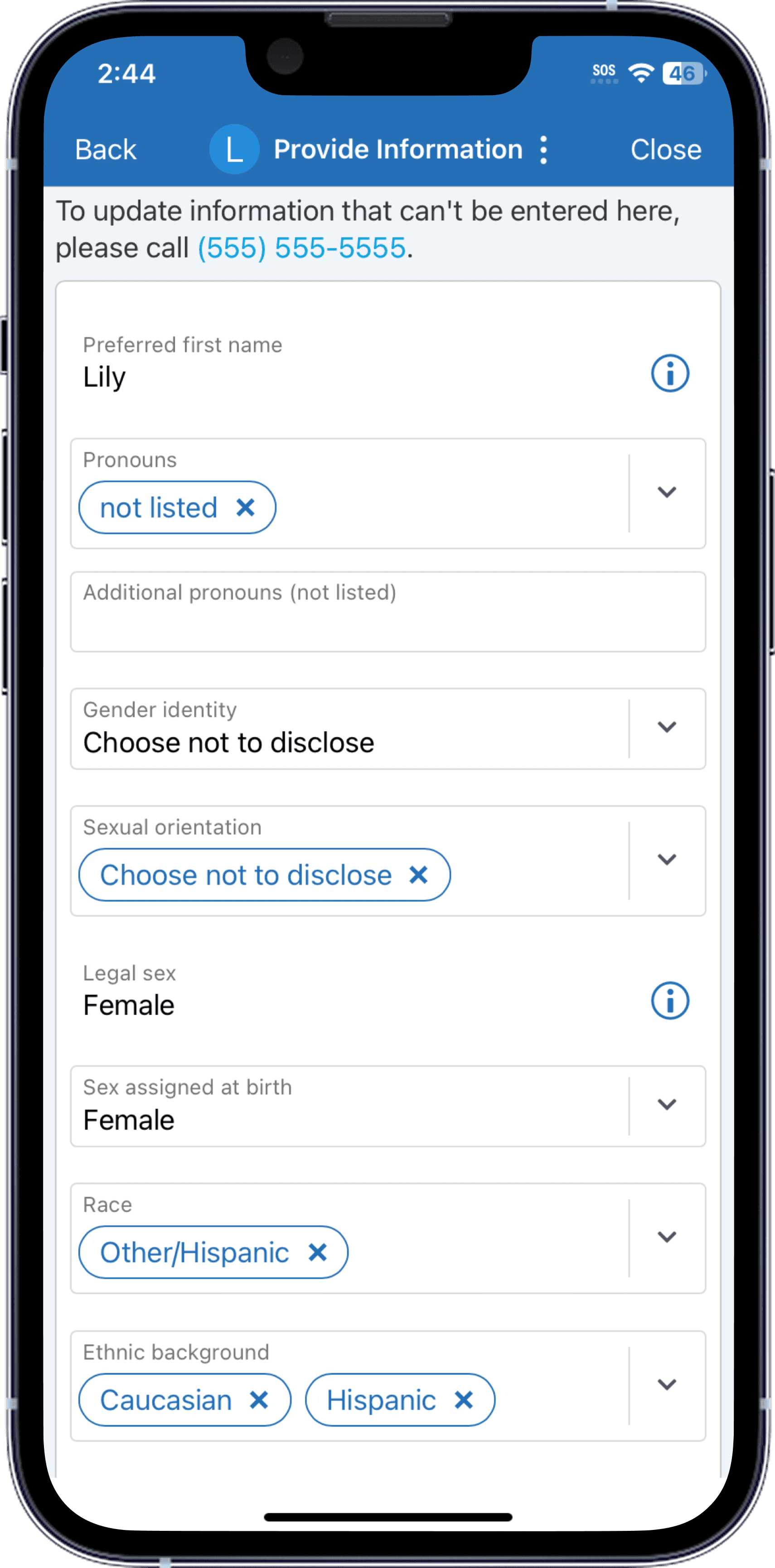
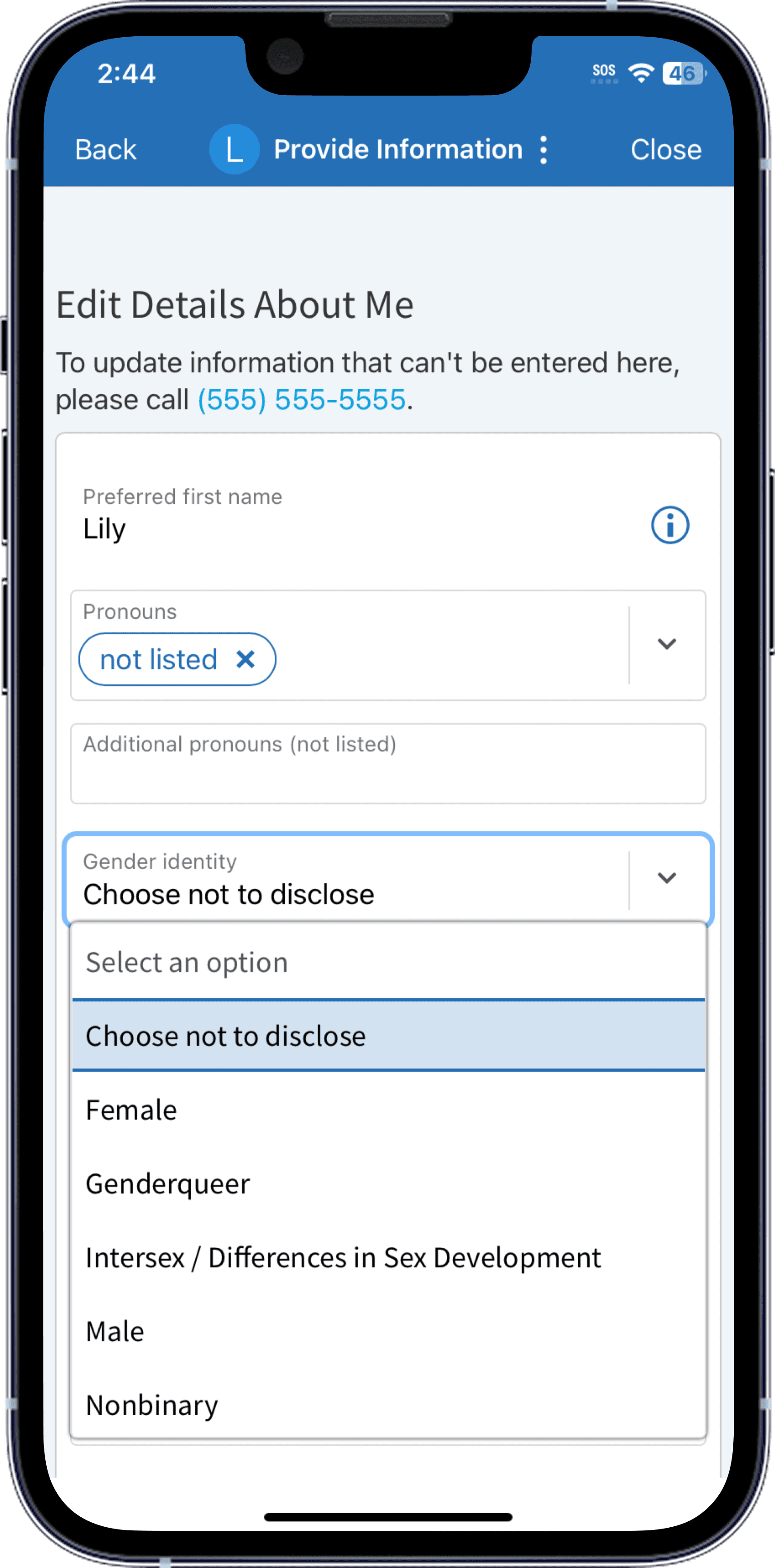
When patients need to edit their information, they are taken to this page. They can update their information, then save and continue.
When patients need to edit their information, they are taken to the page below. They can update their information, then save and continue.